

- Use Verified Search to confirm your creator is signed up on Sheer.
- Validate that influencer data matches your campaign strategy by having direct access to their Mediakit.
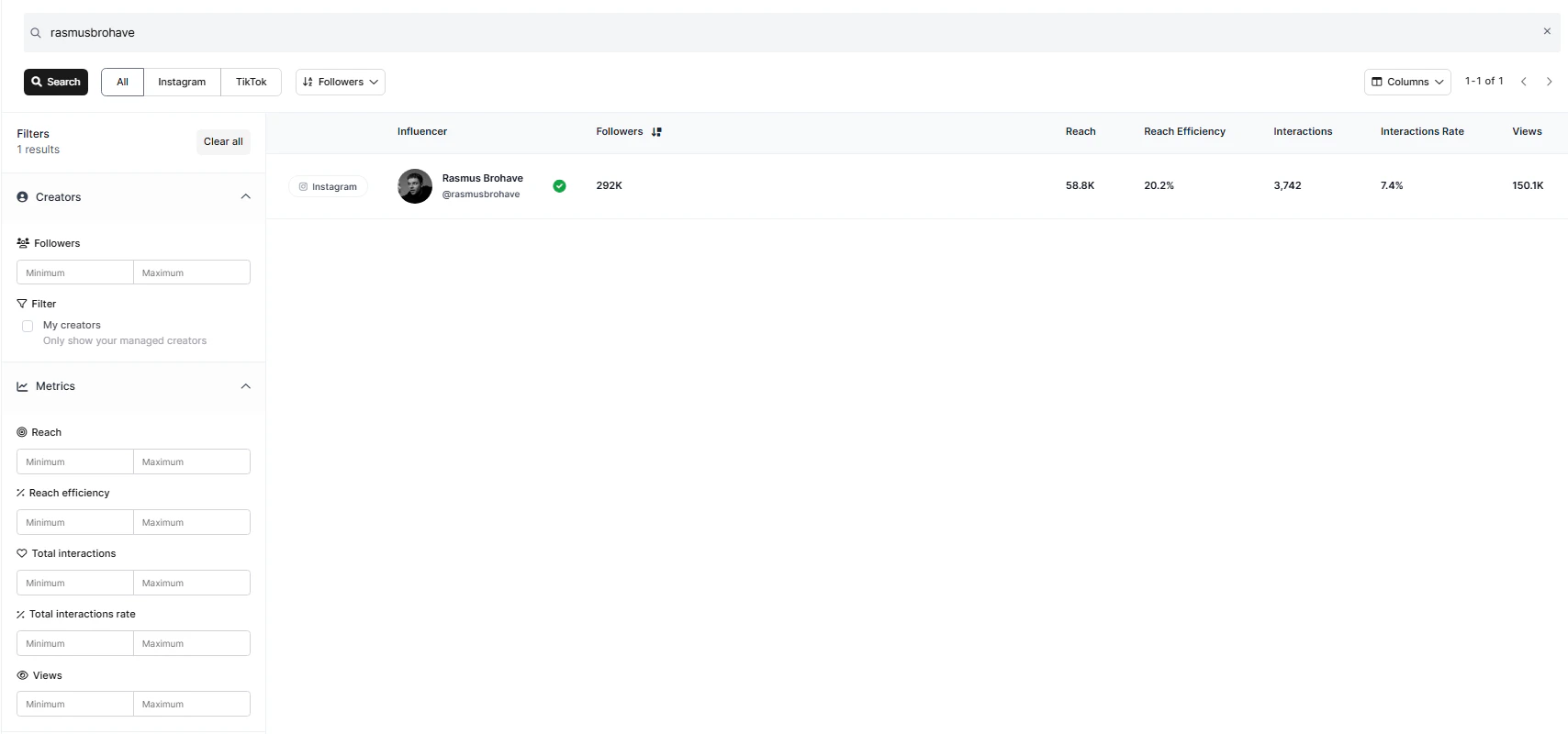
Influencer connection status in Verified Search
Below are the different types of connection status’ in Sheer Verified Search to help you understand if a creator is properly connected.- Green check mark - Influencer is fully connected to Sheer.
- A grey cross - Influencer has signed-up, but has yet to accept the terms and conditions to allow Sheer access to profile data.
- Red Exclamation mark - means the influencer’s connection has been disconnected, ex. if they changed their password. They are required to restore connection by logging in to their Sheer account again. To assist with creators reconnecting to Sheer - please refer to the Help Center for Creators for a reconnecting guide here: