

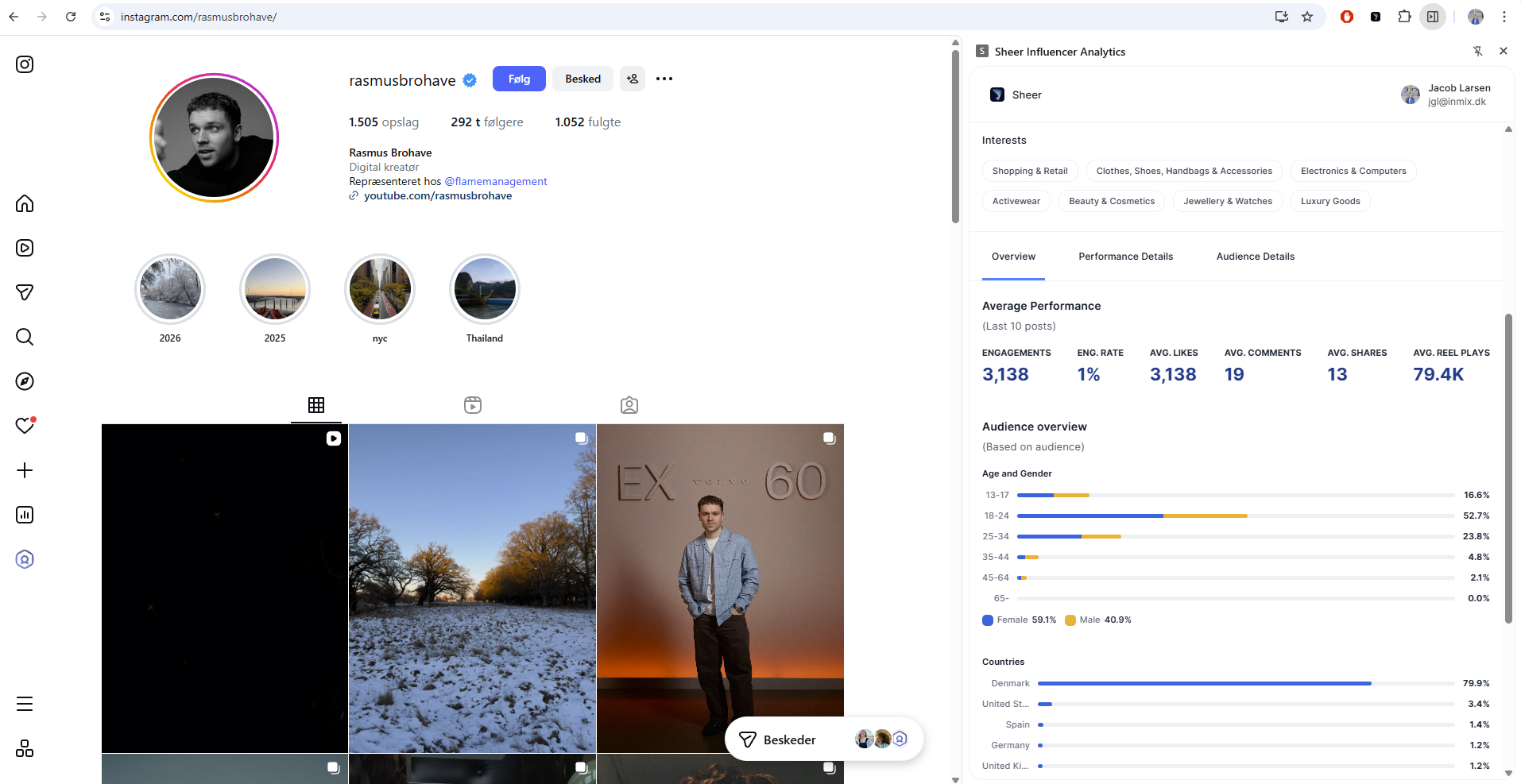
- 1️⃣ Install the Sheer Chrome Extension Here.
- 2️⃣ Log in with your licensed Sheer account.
- 3️⃣ Browse profiles as usual — open the extension to view real-time analytics and add creators to your shortlists.
- Pin the Sheer Chrome Extention to have it readily available when browsering profiles online.
- Look at the top-right corner of your browser and click the puzzle-shaped “Extensions” button.
- Click the pin icon to keep the Sheer Browser Extension always visible.
- Adjust the size of the browser extention to fit your set-up.
- Open the Chrome Extension - Click on the extension icon in your browser.
- Resize the Window - Hover over the separation line until your cursor changes to a double-sided arrow.
- Drag to Adjust - Click and drag the line to resize the extension to your preferred width.